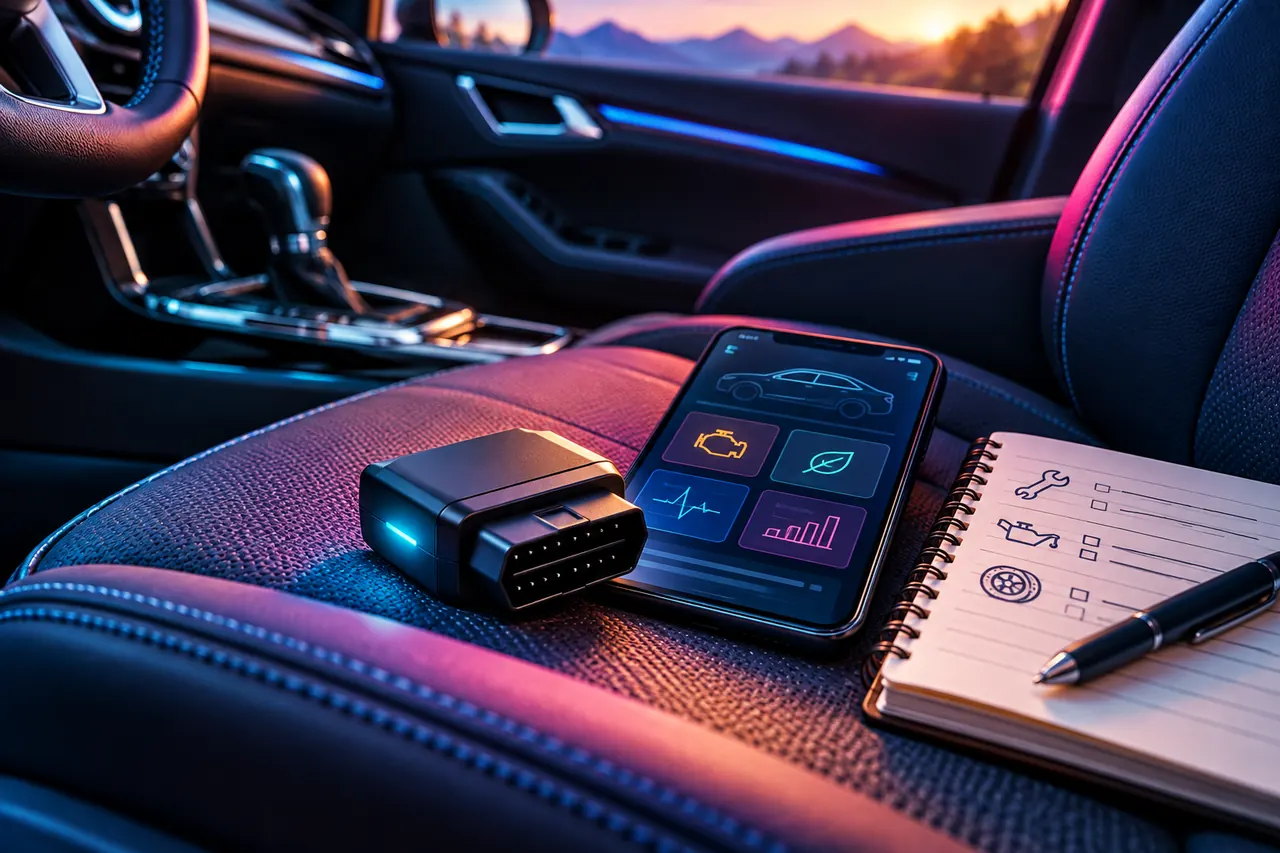
A diagnostic adapter is a way to access information. Its value depends on whether the vehicle, software, and function you need work together. Before ordering one, define the question you want it to help answer and the decisions that should still go to a qualified technician.
Verify the exact function you need. Record supported information carefully; neither a trouble code nor a blank scan is a complete assessment of the car.
Describe the job in one sentence
“I want to save supported diagnostic information before a service appointment” is a useful starting point. “I want an app that fixes my car” is not a realistic purchase brief. Separate reading information from repairs, programming, coding, or service procedures. They are different jobs with different requirements.
If you have an urgent warning or a change in how the car behaves, follow the vehicle’s instructions and seek appropriate help. Do not postpone that decision while shopping for a scanner. The buying process is for choosing a tool, not deciding that the car is safe to drive.
Check the whole compatibility chain
Record the vehicle’s model year, make, model, market and relevant system. Then record your phone or computer platform, the app you intend to use, and the exact information you need. A Bluetooth connection alone does not establish that the full chain supports that function.
OBDLink lists MX+ support for iOS, Android and Windows. Its enhanced-diagnostics documentation separately describes manufacturer-specific coverage. Consult those details for your actual vehicle; generic OBD-II access does not promise every control module, service function, or electric-vehicle data set. Confirm any third-party app charges and compatibility before buying hardware.
Understand three kinds of information
A diagnostic trouble code is a reported condition to investigate. It is not, by itself, an instruction to replace a part. Record the full code and status as displayed rather than paraphrasing it into a diagnosis. Keep your own observations in a separate field.
OBDLink explains freeze-frame data as a snapshot of supported parameter values captured around a fault event. Live data describes supported readings available during a session. The coverage and context matter in both cases. Do not compare an unfamiliar value with a random forum screenshot and assume the car has the same problem.
Preserve a useful report
The OBDLink app offers diagnostic reports that can be saved and shared. Its documentation also says that clearing codes deletes freeze-frame information. Preserve relevant records and discuss the next step with your technician instead of using a clear-code button to make a warning disappear.
Add a short timeline in your own words: when you noticed the issue, the conditions, any recent work, and what changed. Include the date, mileage, app version and vehicle identity with the report. Set up and review the app while safely parked according to its instructions; do not handle it while driving.
Decide whether ownership is worthwhile
For someone who enjoys maintaining organized records across repeated service visits, a supported adapter may be useful. For a single concern, an appropriate professional assessment may provide more value than buying and learning a new tool. Neither option should be justified by a promise of avoiding all future diagnostic costs.
Our MX+ evaluation is a research candidate with a checked Amazon product identity, not a hands-on comparison or a guarantee of coverage. If you cannot confirm the exact function in the manufacturer or app documentation, ask their support team before ordering. Keep that answer with your maintenance log.
A couple of good questions
Does a code tell me which part to order?
No. Treat it as evidence for diagnosis, alongside the vehicle’s symptoms, service information and appropriate testing.
Does generic OBD-II support include every module?
No. Check the exact manufacturer-specific coverage and the app’s supported functions for your model year and vehicle market.
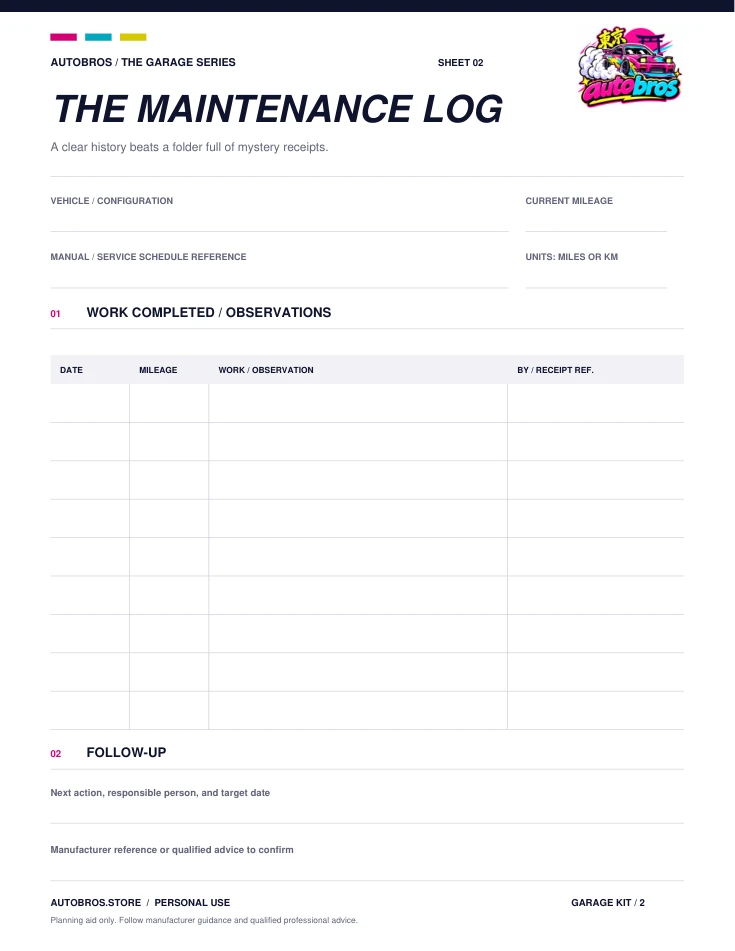
Maintenance log
Dates, mileage, work completed, and what needs attention next.
Fill in the free worksheet Blank PDFReferences & further reading
Sources reviewed October 13, 2026. Product facts are manufacturer or retailer information, not an Autobros test. Confirm current instructions before acting.
OBDLink — MX+ platforms and vehicle compatibility OBDLink — enhanced diagnostics coverage OBDLink — trouble codes, freeze frame and diagnostic reports OBDLink — app reporting features